7 Gaming Life Hacks That Can Instantly Improve Your Gameplay
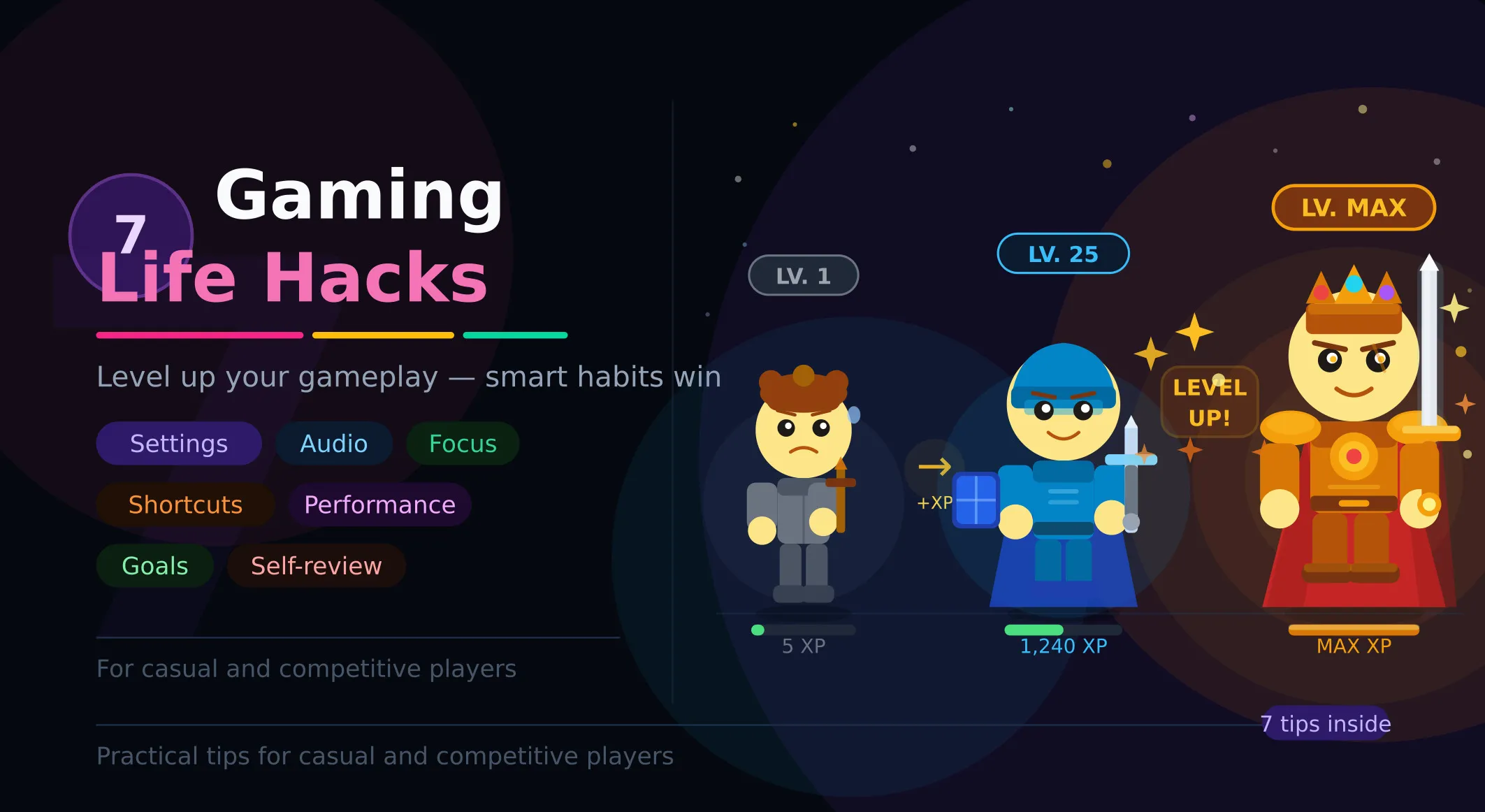
Gaming isn’t just about reflexes or raw talent — it’s about smart habits, efficient strategies, and knowing how to get the most out of every session.
Playing more hours is not the same as getting better. If you have ever spent an entire Sunday grinding ranked matches only to end up with a worse rank than you started, you know exactly what we mean. Improvement is about what you do, not how long you do it.
The truth is, many players struggle not because they lack skill, but because they overlook simple techniques that could instantly elevate their performance.
In this article, we’ll break down seven powerful gaming life hacks that can sharpen your focus, improve your reaction time, and help you play smarter— not harder. These are practical, easy-to-apply tips used by experienced players to gain an edge without spending countless extra hours practicing. If you’re ready to level up your gameplay and see real results fast, you’re in the right place.
1. Sensitivity Calibration Lock
If you have ever spent an afternoon fine-tuning your mouse sensitivity, felt great for one match, then quietly changed it again the next day — you are not alone. This is probably the single most common self-sabotaging habit in gaming, and it looks like self-improvement while actively preventing it.
Muscle memory works through repetition over time. Every time you change your sensitivity, you are telling your nervous system to throw out what it learned and start over. Two weeks of consistent play at the same setting does more for your aim than three months of constant tweaking.
Use the 180 flip test to find your starting point: adjust sensitivity until a single full wrist swipe (from your resting position to the edge of your mousepad) rotates your character exactly 180 degrees. That is a concrete, repeatable measurement. Set it. Write it down. Do not touch it again.
Tip: Most competitive FPS players sit between 400–800 DPI. Higher DPI does not mean faster reactions — it means a smaller margin for error on every micro-movement.
The discomfort you feel in the first few days at a new sensitivity is not a sign it is wrong. It is your muscle memory resisting change. Push through it. By day ten, the setting will start to feel natural. By day fourteen, you will wonder how you ever played differently.
2. Competitive Audio Mix Optimization (Priority Channel Rebalancing)
Game audio is mixed for two audiences: journalists watching trailers and casual players enjoying the atmosphere. Neither of those is you when you are trying to rank up. The default mix is cinematic, not competitive — and there is a real difference.
The sweeping orchestral soundtrack that makes your game feel like a Hollywood blockbuster is also masking the footstep that just walked up the stairs behind you. That is not a coincidence — music fills the frequency ranges that environmental cues occupy. When both are loud, the music wins.
A practical starting point for most games:
- Music volume: 20–35%
- Sound effects: 100%
- Ambient and environment sounds: 90–100% — this is where footsteps and enemy movement live
- Voice chat: 75–80% — loud enough to hear callouts, quiet enough not to distract
In first-person shooters specifically, try switching your audio output to Mono mode. It sounds wrong and flat for the first ten minutes — that is expected. What happens is that the spatial information becomes more predictable and consistent. Several high-level FPS players, including some in professional settings, use Mono exclusively because it removes the unpredictability of stereo audio cues.
Hot take: that booming soundtrack you love is actively making you worse. The best audio upgrade is often silence in the wrong places.
3. Stop Playing After 90 Minutes — Your Brain Already Quit
Cognitive science has a term for what happens to your judgment after extended focused effort: decision fatigue. After roughly 60 to 90 minutes of concentrated gameplay, the quality of your decisions measurably deteriorates. You start overextending. You stop checking the minimap. You take fights you would normally walk away from. You make mechanical errors that you know are wrong the moment you do them.
The frustrating part is that you feel fine. Decision fatigue does not feel like tiredness — it feels like bad luck, bad teammates, and a bad day. You keep playing because you think the next match will be different. It usually is not.
The fix is almost offensively simple: stop every 50 minutes. Set a timer at the start of your session. When it goes off, stand up before you queue again. Walk to a different room. Drink water. Look at something more than two meters away. Do not scroll your phone — that is a different kind of input, not genuine rest.
Two minutes away from the screen is worth more than ten additional rounds played in a fatigued state. The frustrating part is believing this until you actually test it. Try it for one week and compare your late-session performance against your early-session performance. The gap will surprise you.
Warning: Never queue “one more match” to recover from a bad session. Tilt plus fatigue is the most expensive combination in competitive gaming.
4. Ask One Specific Question After Every Loss
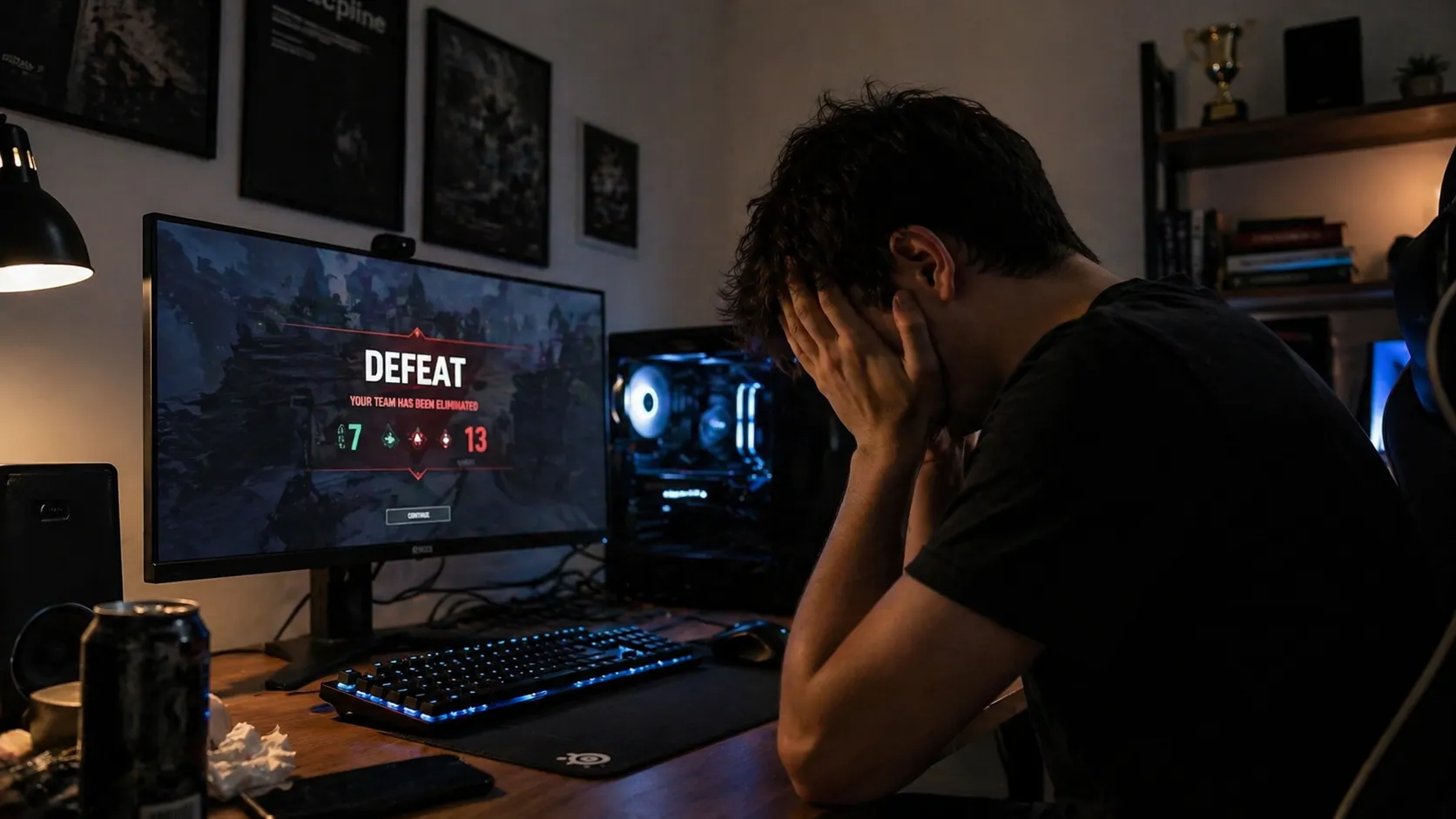
Most players who die in a match mentally replay the moment and land on something like: “he got the drop on me” or “my aim just was not there today.” These conclusions feel satisfying because they are accurate. They are also completely useless for improvement.
The problem is that those observations describe what happened at the end of the sequence — the death itself. What you need is to find the decision that made the death inevitable three, five, or ten seconds earlier. That earlier moment is where the actual learning is.
After every bad round or failed fight, ask yourself one specific question: What was the earliest moment I could have made a different decision? Not why did I die — that answer is almost always obvious. Not who killed me — that is irrelevant to improvement. The moment before the point of no return is where the lesson lives.
You do not need to watch a replay every time. Close your eyes for 30 seconds immediately after a death and mentally rewind the sequence. Was it bad positioning before the fight even started? A cooldown you held too long? A rotation you chose to skip? A piece of information on the minimap you ignored?
Over weeks, you will notice the same moments appearing repeatedly. Those patterns are your actual weak points — the ones that cost you the most games. Once you can name them, they become dramatically easier to fix.
Tip: Write the question on a sticky note and put it next to your monitor: “What was the earliest moment I could have done something different?”
5. Spend 20 Minutes Finding The Hidden Mechanics In Your Game
Every game you play has at least five to ten features that most of its playerbase has never intentionally used. Not because they are difficult to learn. Not because they are obscure or buried in menus. Simply because nobody mentioned them, and there was no obvious reason to go looking.
These mechanics are sitting in the options panel, the keybind list, or the training mode right now — quietly available to anyone who takes twenty minutes to look. Players who find them tend to have a noticeable, unexplained edge that their opponents cannot quite identify.
Common examples by genre:
- MOBAs: attack-move commands, smart cast vs. normal cast toggle, quick buy shortcuts, ward placement hotkeys
- FPS games: crouch-peeking, jiggle-peek timing, audio cue patterns for specific weapons, recoil reset intervals
- Strategy games: production waypoints, build queues, rally point chains, camera bookmark positions
- Survival and open-world games: resource map markers, crafting queue shortcuts, hotbar management
- Fighting games: input buffer windows, option selects, training mode frame display settings
The method: pick the game you play most. Go to its subreddit or wiki. Search “tips new players miss” or “things I wish I knew sooner.” Read one page. Pick one thing to implement this session. That is it. You will almost certainly find something that has been on the options menu since launch, doing nothing because no one thought to explain it.
6. Performance Optimization via Resolution Scaling
When players want more frames per second, the instinct is to lower the most visible settings first: shadows, textures, anti-aliasing. These are visible changes. You can see the difference. That feedback loop feels productive.
Resolution scale, by contrast, is nearly invisible at normal monitor-to-face distance — and it gives you by far the largest performance gain per setting change. Dropping from 100% to 80–85% resolution scale is something most players cannot reliably detect in a blind test, but the framerate difference is immediate and significant.
The practical workflow when you want more FPS:
- Lower resolution scale to 80–85% first
- Test framerate stability at your target (typically 144+ fps for competitive play)
- If you need more performance, lower shadow quality next
- Then ambient occlusion and post-processing effects
- Leave texture quality until last — it has the least impact on performance
Consistent 144 fps on medium settings is a fundamentally better experience than 60 fps with stutters on ultra. Your brain perceives anything below 60 fps as choppy, which adds a form of perceived input lag that no hardware upgrade can compensate for. The visual quality of your game matters much less than whether it runs smoothly.
The same logic applies to your network connection. High ping, packet loss, or background downloads create problems that no graphics setting can fix. Before every session, close unnecessary browser tabs, pause updates, and check that no other device on your network is streaming or downloading large files.
Tip: Check your resolution scale first. Most players have never touched it — and for many, it is the single setting change with the biggest measurable impact.
7. Controlled Improvement Metrics System
Win/loss ratio is a genuinely terrible metric for personal improvement, and treating it as your primary feedback loop is one of the most common reasons players plateau. You can play your best game of the week and lose because a teammate disconnected. You can play carelessly and win because the enemy team had an even worse day. The result of any single match reflects team performance, not yours.
This does not mean ranked does not matter — it does, over a large enough sample size. But within any individual session, wins and losses are too noisy to tell you anything useful about whether you are actually improving.
A more useful approach: before each session, decide on one concrete, measurable thing you will track. The key constraint is that it must be entirely within your control, regardless of whether you win or lose. Some examples:
- “I will not push without vision on the minimap — not once, the entire session.”
- “I will use every ability and cooldown before recalling to base.”
- “I will ping my position in chat before every aggressive engage.”
- “I will check the minimap every ten seconds on a consistent interval.”
- “I will identify the enemy win condition at the start of every match and adjust my build around it.”
After the session, give yourself an honest score from 1 to 5 on that specific skill. Ignore win/loss entirely for this evaluation. Progress on a chosen metric is more meaningful than rank change in any single session — and it compounds over time in ways that unstructured grinding does not.
Over a month of focused sessions, you will have worked on four to eight specific skills in a deliberate, measurable way. That is how improvement actually happens — not through volume, but through intention.
Tip: Keep a simple notes document with your session goal and your 1–5 score. Looking back after a month tells you more about your improvement than your rank history ever will.
Want Tips For Your Actual Games?
These 7 hacks are universal — but the biggest improvements come from game-specific knowledge. Every title has its own hidden mechanics, optimal settings, and small tricks that separate average players from consistent winners.
On our blog, you’ll find deep dives tailored to the games you actually play — from sensitivity setups and FPS optimization to advanced strategies, overlooked features, and pro-level habits that rarely get explained clearly. We break things down in a way you can apply immediately, without wasting hours digging through forums or outdated guides.
If you’re serious about improving, don’t stop at general advice. Explore our detailed guides on a blog built for your exact game and start seeing real results in your next sessions.

Level up your gameplay
Play better – get it straight to your inbox